
01
On-device & private
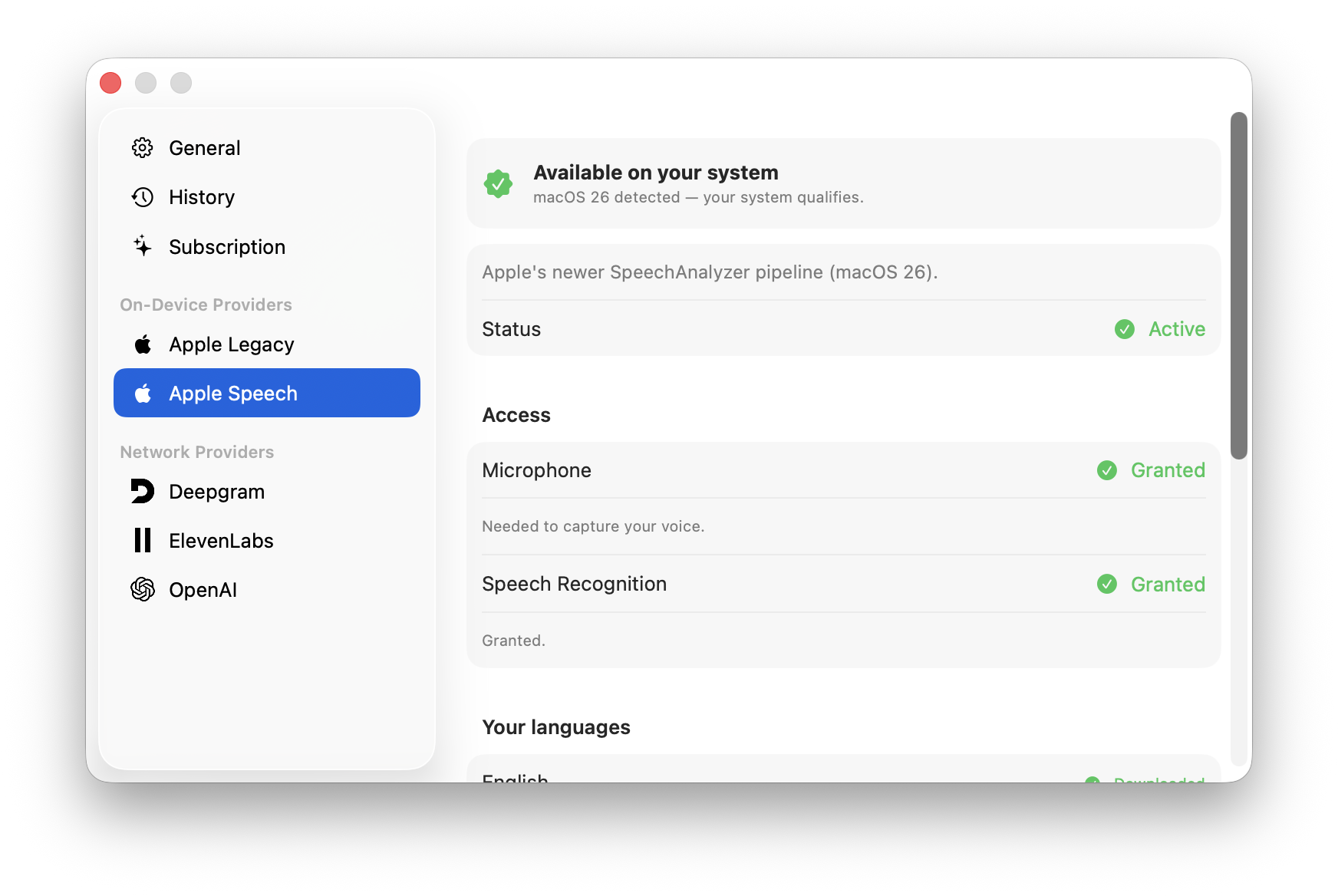
Apple’s on-device engines — including the new macOS 26 Speech — transcribe right on your Mac. Audio never has to leave the machine.
Dictation so native you’d swear Apple shipped it. Private on-device transcription, the best cloud engines when you want them, and a model picked per language.
Only the Mac — never a cross-platform port. Built in Swift & AppKit to feel like it shipped with the system.
Apple’s on-device engines — including the new macOS 26 Speech — transcribe right on your Mac. Audio never has to leave the machine.
Built in Swift & AppKit — tiny and instant, never an Electron wrapper. Made for macOS only, and always will be.
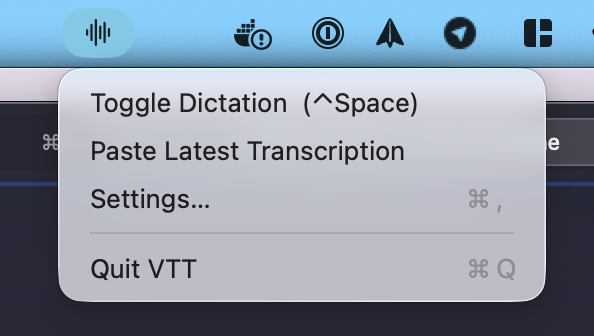
A global hotkey, a live waveform, and auto-insert straight into whatever app you’re typing in.
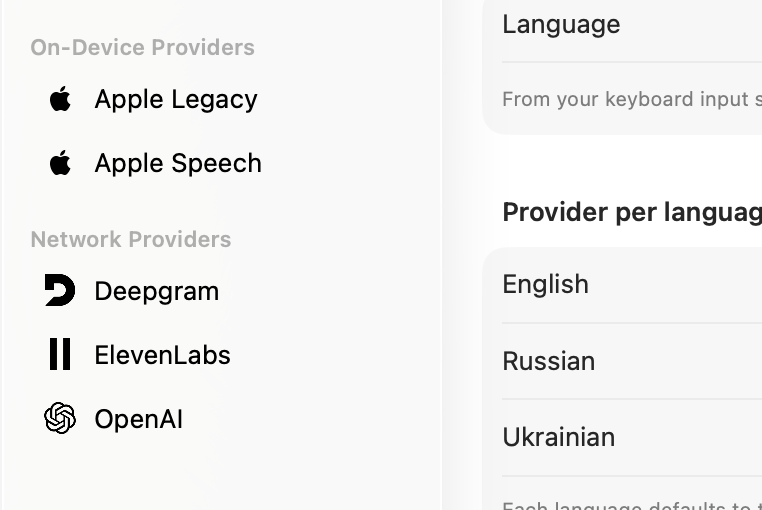
Deepgram, OpenAI and ElevenLabs with your own key — and pick the exact model per provider.
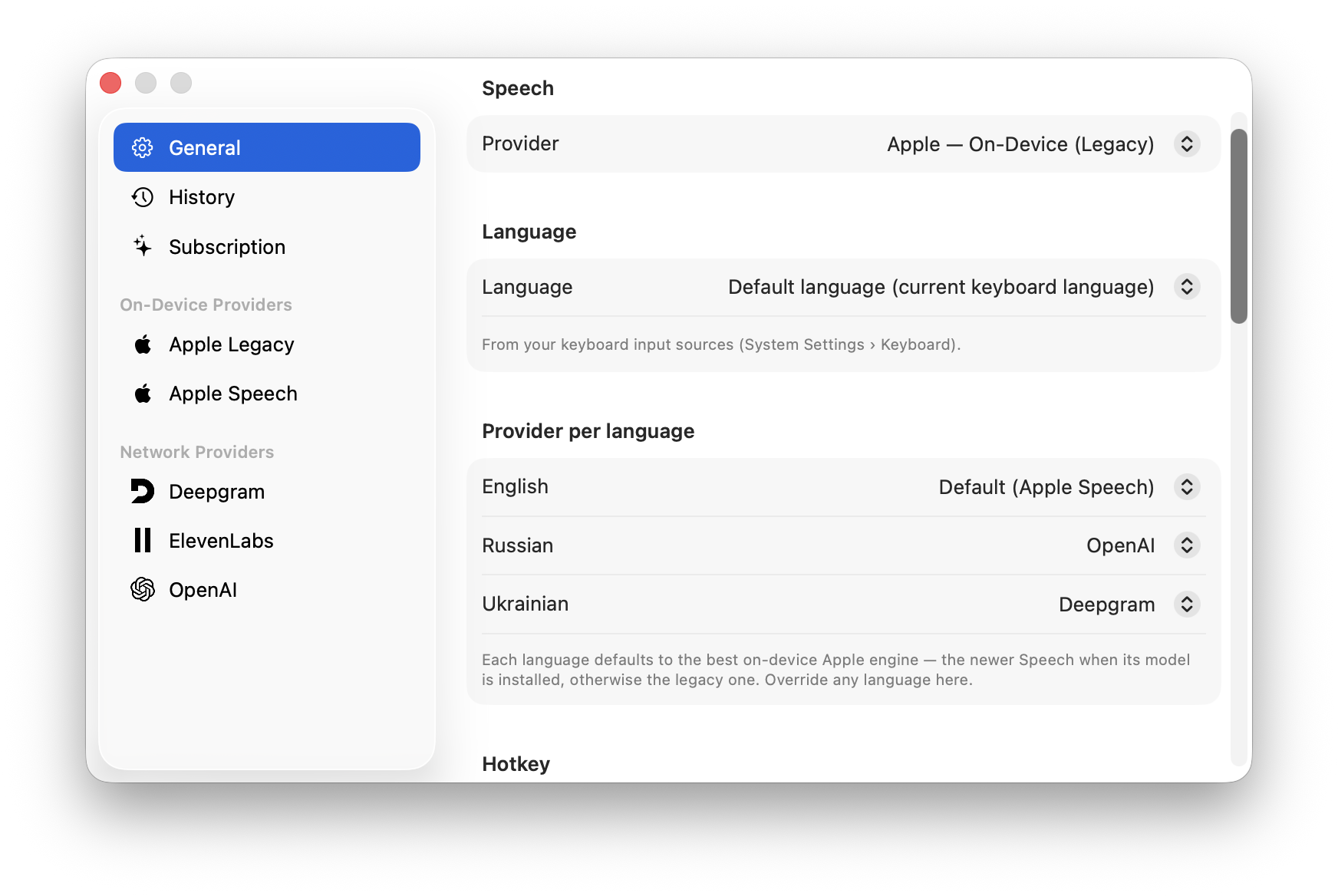
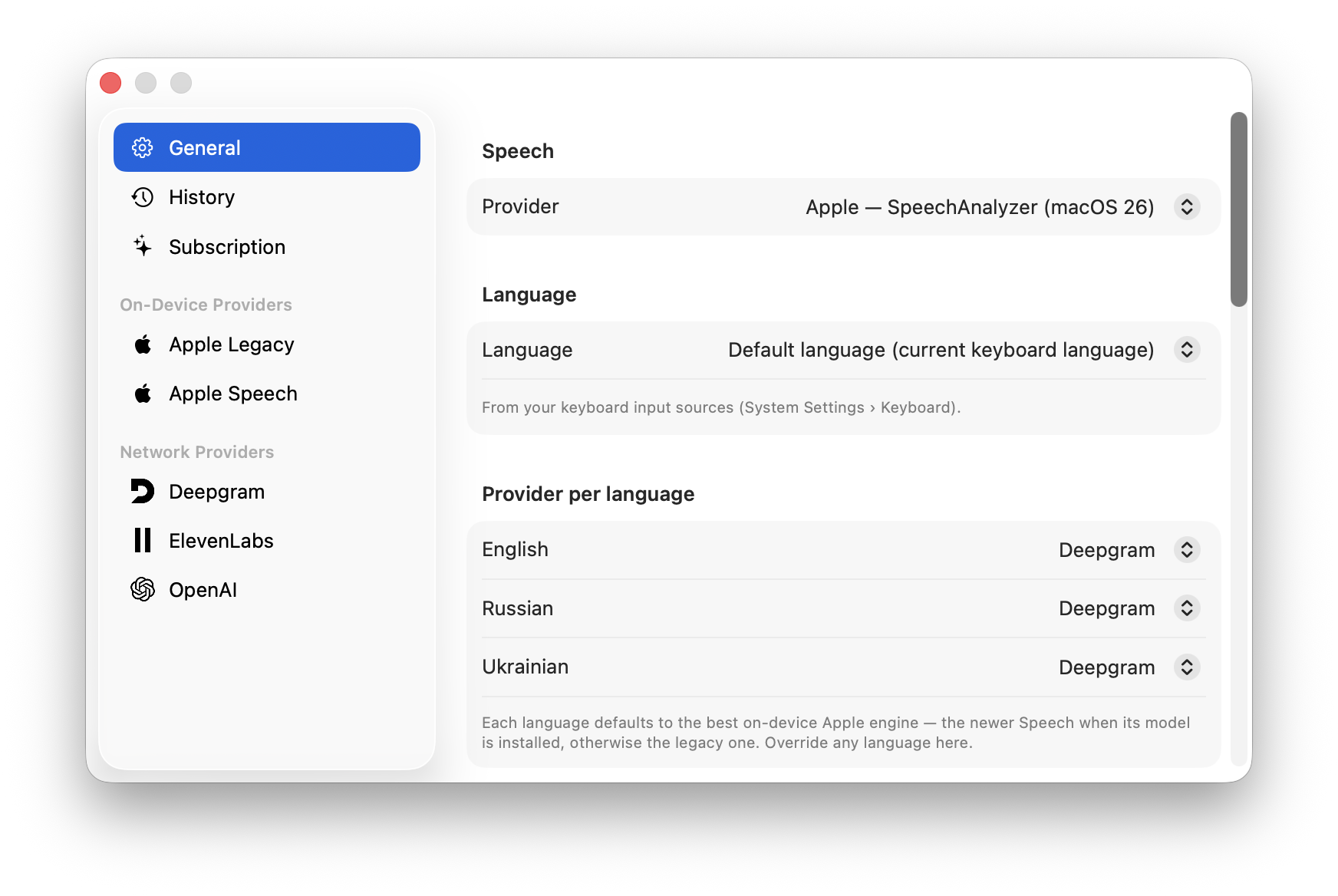
Route each language to the engine that handles it best — automatically, or by hand.
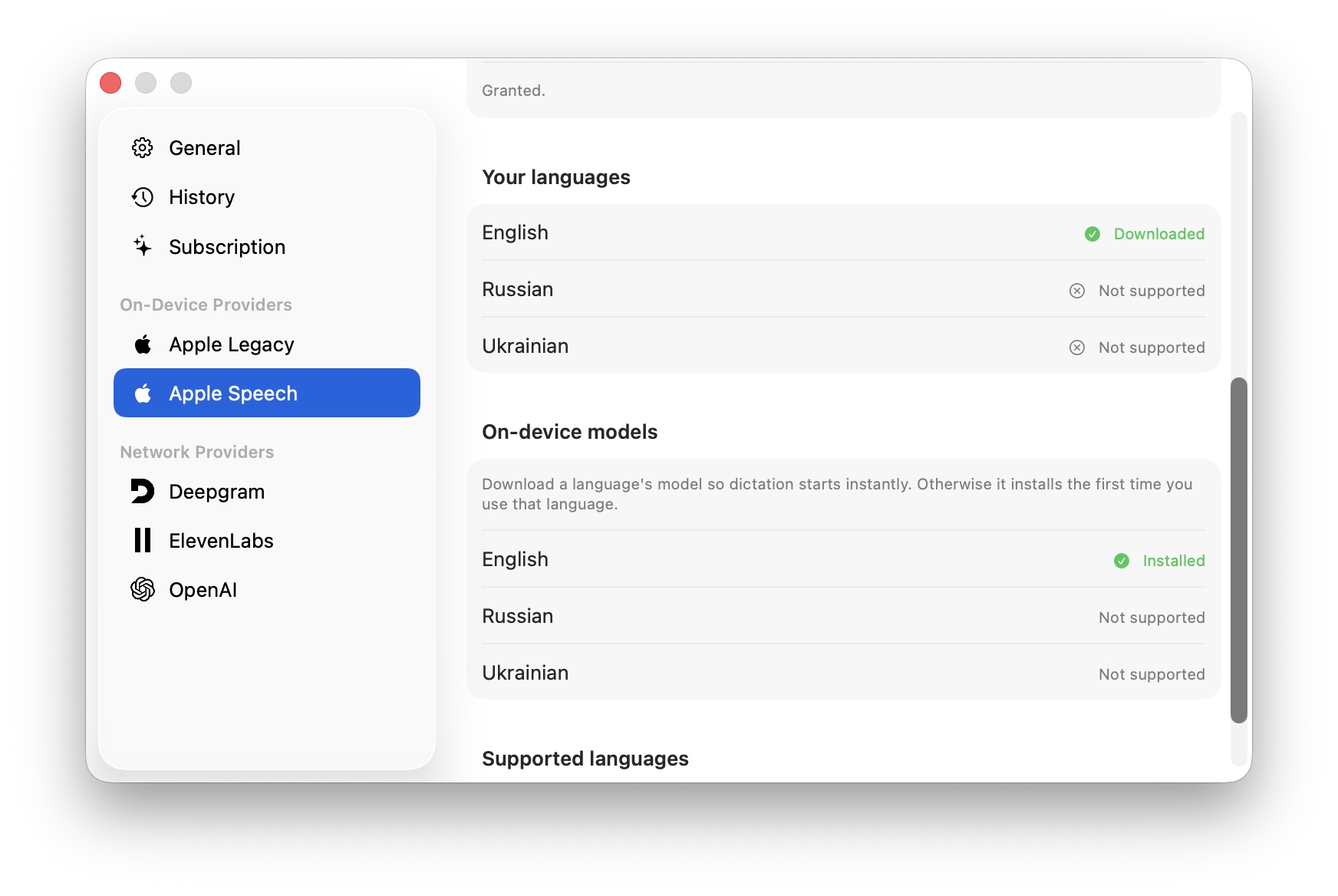
Pre-fetch on-device language models so dictation starts the instant you press the key.

Built-in dictation trips on a strong accent — VTT doesn’t. Switch to a cloud engine like OpenAI Whisper or Deepgram, trained on millions of voices, and your accent stops being the thing that breaks dictation.
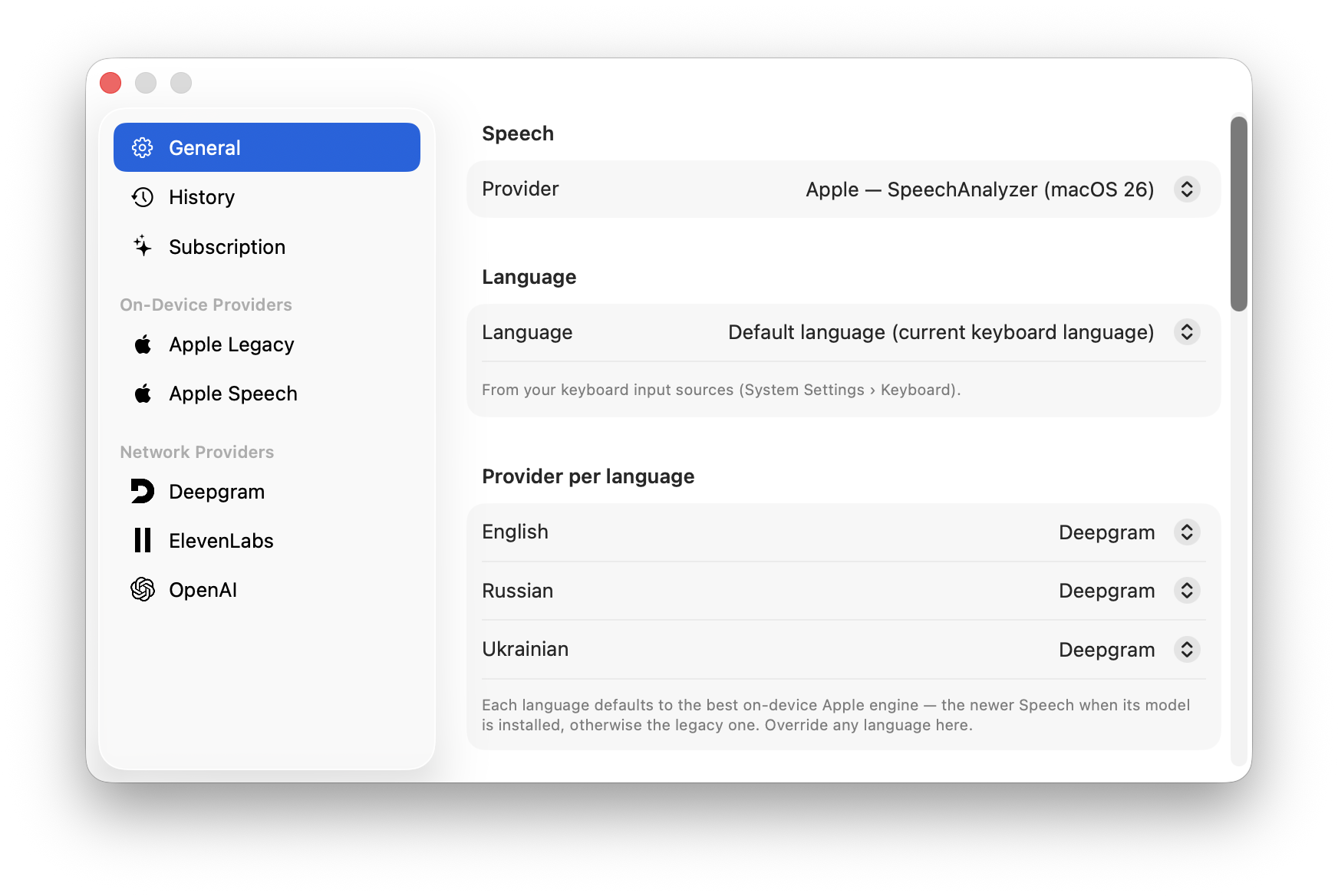
VTT follows your keyboard. Flip your input source to Russian and you get Russian back; flip to English and you get English — with a keystroke you already use. No menu-diving, and no engine quietly translating what you said into a language you never asked for.
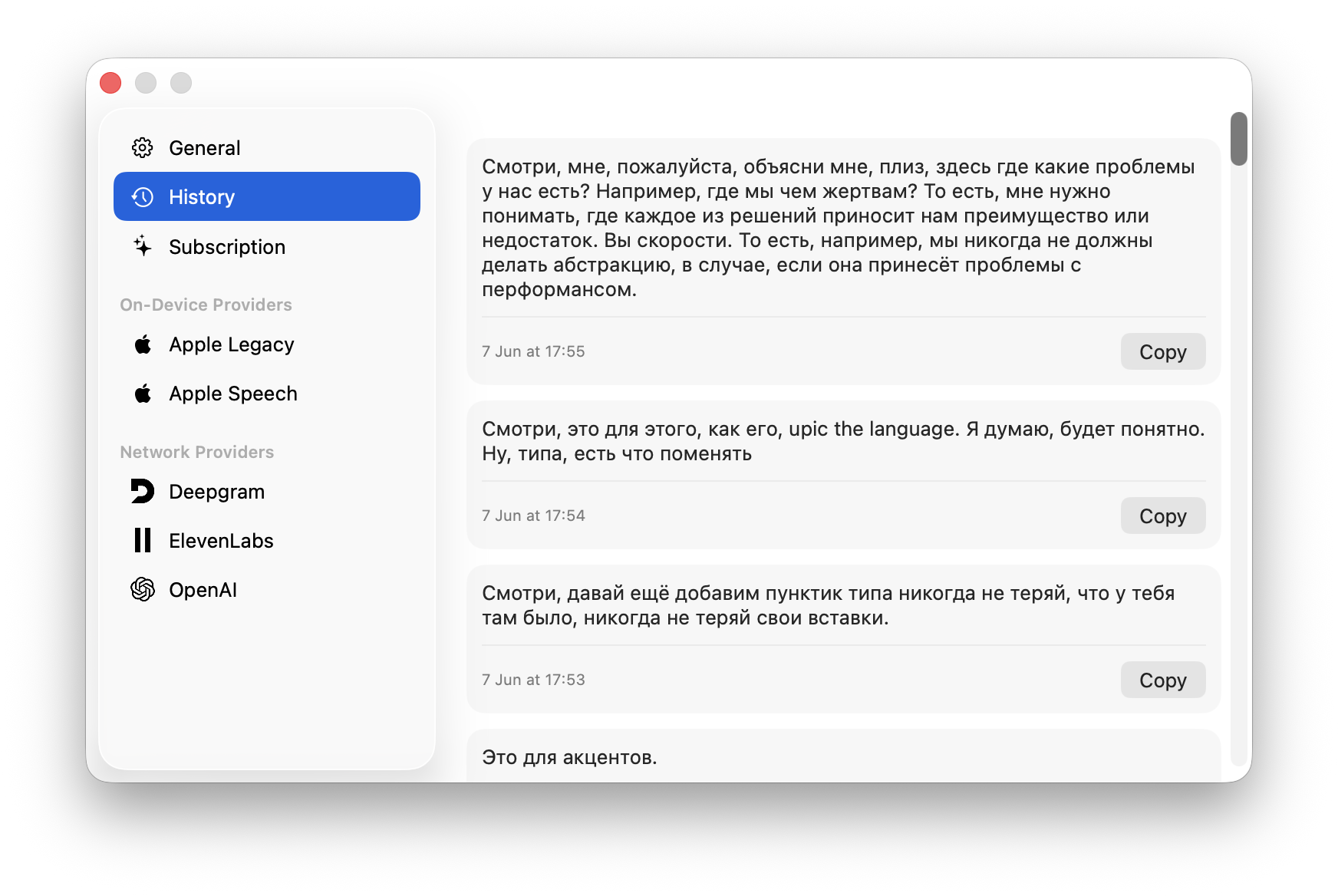
Every dictation lands in a local history, newest first. Close the app, paste into the wrong window, change your mind — it’s still there. Re-paste any recent transcript with a click, or grab the latest straight from the menu bar. Kept on your Mac, nowhere else.
Your voice never leaves your Mac.
Pick on-device and nothing ever touches a server — no account, no sign-in, no tracking. Reach for a cloud engine only when you want extra accuracy, and even then it’s your own API key talking straight to the provider.